Usage
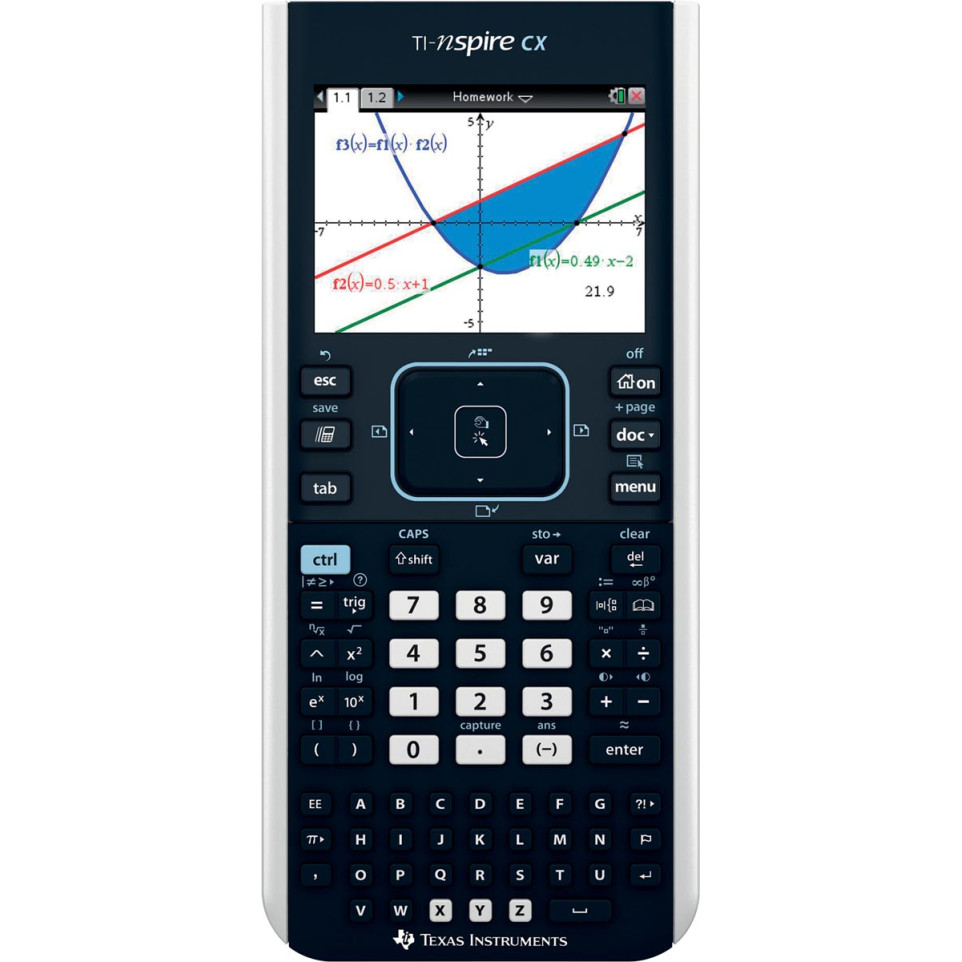
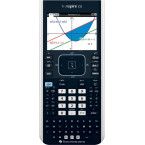
The Texas Instruments TI-Nspire CX II-T graphing calculator is designed for advanced mathematics, science, and engineering applications in educational settings from middle school through college. It is suitable for coursework, exam preparation, and STEM projects.
Advantages
- Supports function, parametric, polar, sequence, and 3D graphing with real-time drawing visualization for deeper mathematical exploration.
- Features a color backlit LCD display (3.2" diagonal) with a resolution of 320 x 240 pixels and support for six graph styles and fifteen colors to differentiate data.
- Equipped with Python programming capability alongside TI-Basic in a dedicated environment to facilitate coding education within STEM curricula.
- Packs fast performance thanks to its ARM9 processor (up to 396 MHz), ensuring responsive interaction with dynamic graphs and computation tasks.
- Allows transfer of documents between calculator and computer via USB connectivity; compatible with lab sensors for real-world data collection (minor drawback: CAS not included in the -T model).
Specifications
- Slim handheld design featuring durable plastic casing; employs touchpad navigation similar to familiar computer interfaces.
- Rechargeable lithium-ion battery provides extended use; complies with FCC Part 15 standards.
- Storage memory: over 90 MB; operating RAM: 64 MB; display resolution: 320 x 240 pixels at approximately 125 DPI in full color.
- Differentiating features include built-in apps for geometry and statistics, programmable functionality (Python/TI-Basic), interactive zooms, numeric evaluations in tables across all modes, document management (.tns files), support for images on notes pages (.jpeg/.jpg/.bmp/.png), compatibility with external Vernier sensors via USB or docking station options.
How it works
The TI-Nspire CX II-T operates using an intuitive menu-driven interface accessed through its touchpad keypad. Users can create mathematical models or graphs by entering equations or data sets directly on the device or transferring assignments from a connected computer. The calculator visualizes results dynamically as functions are manipulated—supporting hands-on learning across math and science disciplines. Data collection can be performed directly using compatible probes connected via USB when conducting experiments or labs.