Usage
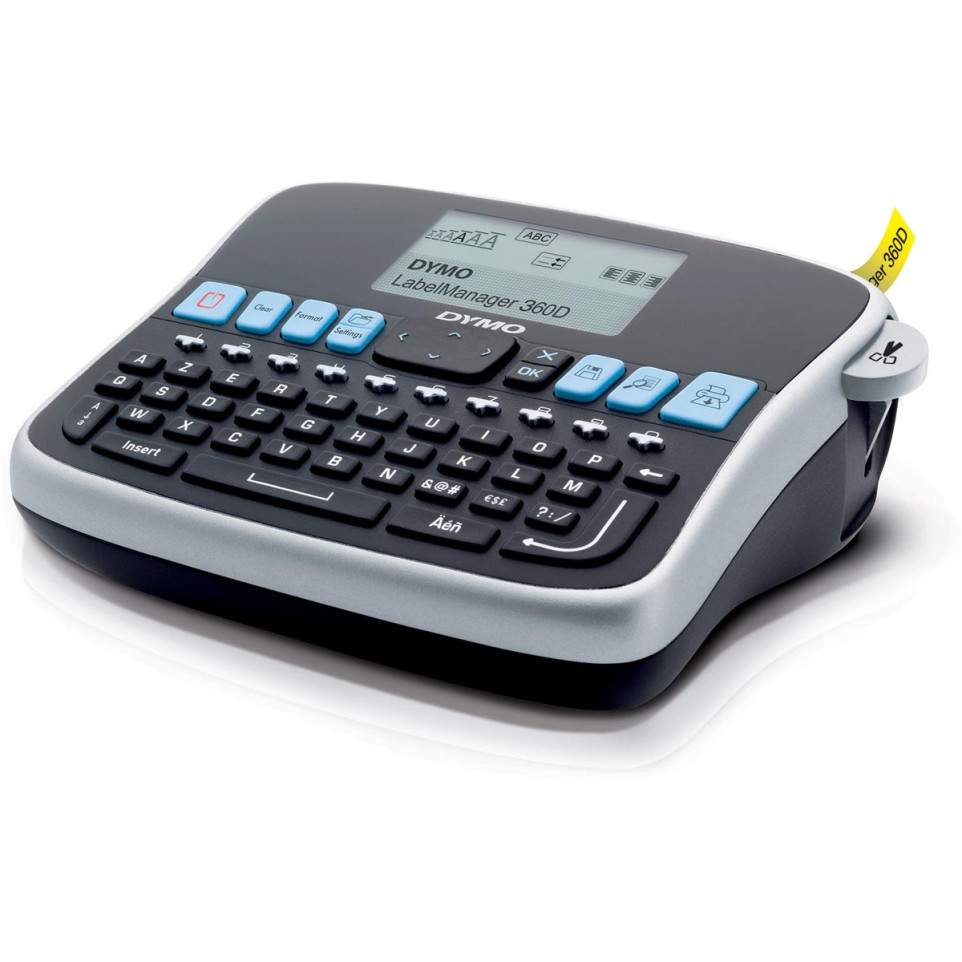
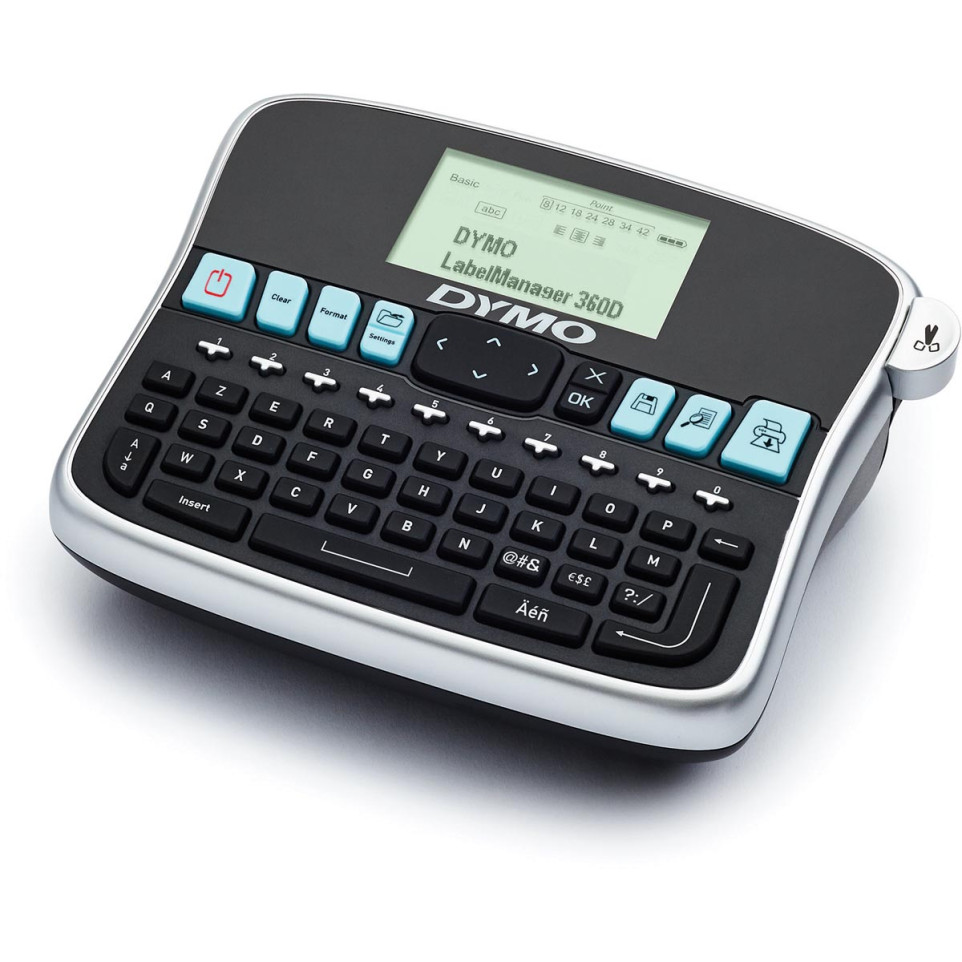
The Dymo LabelManager 360D AZERTY is a desktop labeling system designed for fast and customizable label creation in offices, warehouses, or homes. It organizes files, storage, and equipment with durable self-adhesive labels.
Advantages
- Equipped with a rechargeable lithium-ion battery for portable operation without AA batteries.
- AZERTY keyboard layout allows rapid and natural text entry for French-speaking users.
- Larger graphical screen displays two lines of text and label formatting before printing.
- Supports up to 30+ formatting options including three fonts, seven font sizes, seven styles, eight boxes, underline function, and over 200 symbols.
- Nine-label memory enables quick recall of frequently used designs; prints up to ten copies of one label per command.[1][3][6]
Specifications
- Design & Materials: Desktop device with AZERTY computer-style keyboard; robust plastic casing in black. Uses thermal transfer print technology (no ink or toner needed).
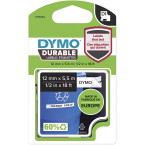
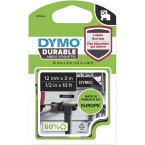
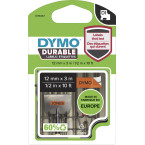
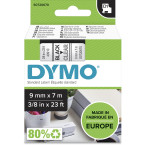
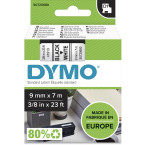
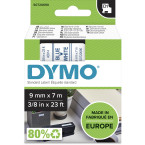
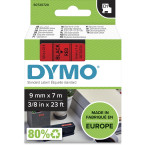
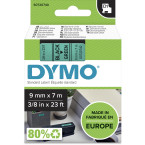
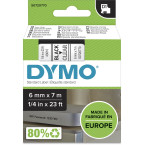
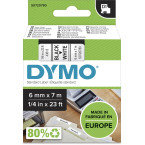
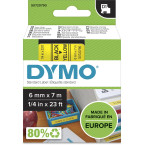
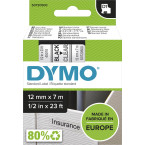
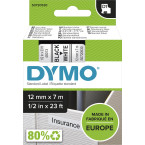
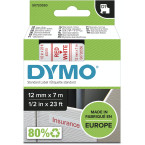
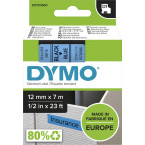
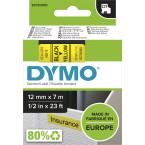
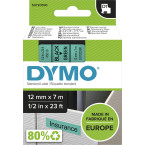
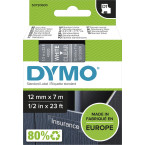
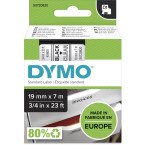
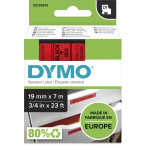
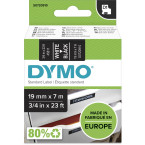
- Durability & Certifications: Powered by long-life lithium-ion battery; D1 tape cassettes available in multiple colors (widths: 6 mm / 9 mm /12 mm /19 mm). External D1 cassettes are made from recycled materials.[1][6]
- Performance: Print speed up to approximately 0.47 inches/second (28.2 inches/min); maximum resolution: 180 dpi. Prints one or two lines per label; supports labels up to 19 mm wide.[5][8]
- Differentiating Features:: Nine-label memory; save-text function; prints multiple copies at once; manual cutter included. LCD preview display shows most formatting effects before printing.[5][7]
How it works
The user inserts a DYMO D1 cassette into the device, powers it on using the rechargeable battery or AC adapter, types text via the AZERTY keyboard while selecting desired formats on the display screen—then previews and prints professional-quality adhesive labels instantly.[1][6]