Usage
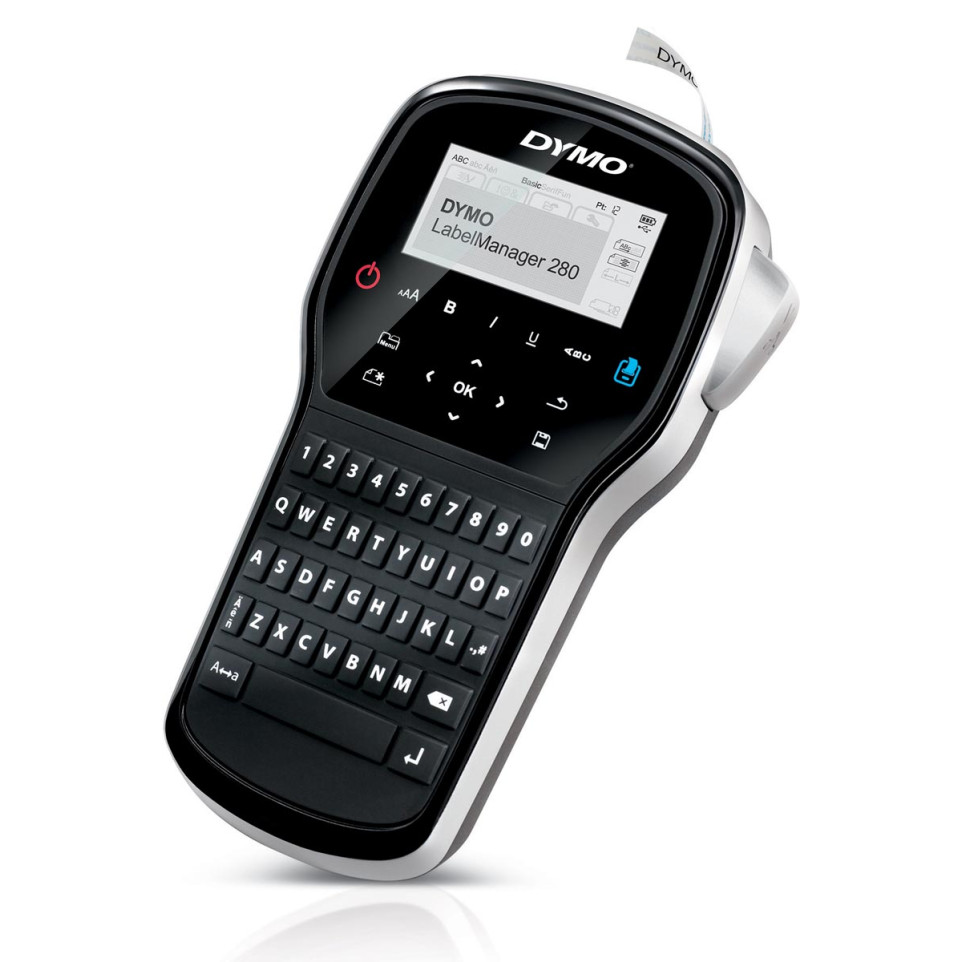
The Dymo LabelManager 280 QWERTY is designed for creating clear, customizable self-adhesive labels in office, retail, home organization, and storage environments. Ideal for quick labeling of files, equipment, shelves, and containers.
Advantages
- Rechargeable battery eliminates the need for disposable batteries and supports portable use
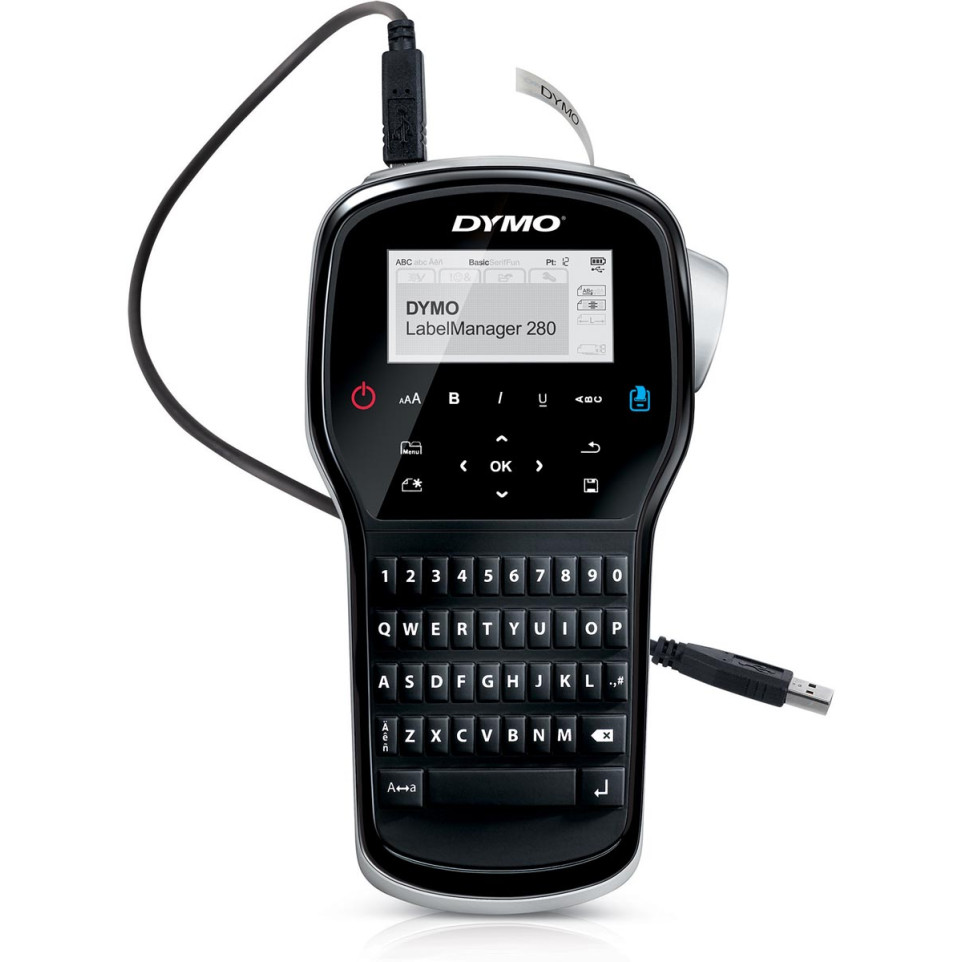
- Connects to Windows and Mac computers via USB to access fonts and graphics for custom label design
- User-friendly QWERTY keyboard with one-touch formatting keys enables fast text entry and editing
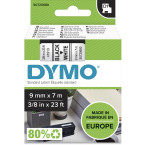
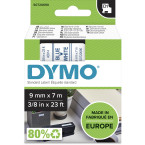
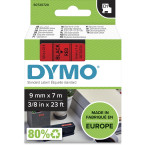
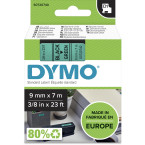
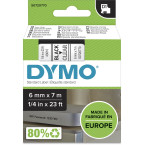
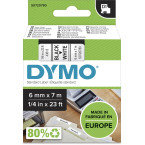
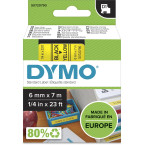
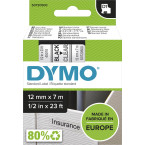
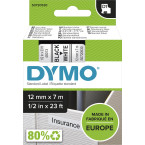
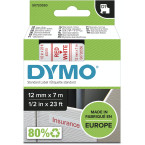
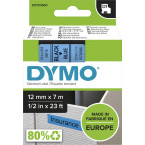
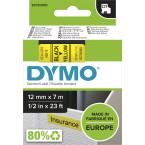
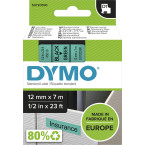
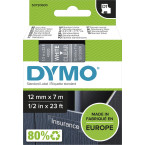
- Supports DYMO D1 label cassettes in widths of 6 mm, 9 mm, or 12 mm with a broad range of colors available
- The device features a manual cutter; users may find peeling the label backing somewhat difficult at times[3]
Specifications
- Design: Handheld unit with computer-style QWERTY keyboard, large two-line graphical LCD screen; constructed from durable plastic materials[1][4]
- Durability: Rechargeable lithium-ion battery pack (included); compliant with CE safety standards; manufacturer’s limited one-year warranty (extendable upon registration)
- Performance: Prints at up to 15 mm/sec speed; maximum resolution of 180 dpi; accommodates two lines per label; memory holds up to nine labels[3][4][7]
- Differentiating Features: Over twenty formatting options, more than two hundred symbols/clip-art images built-in; compatibility with DYMO Connect software for additional features such as barcode printing[1][4]
How it works
Insert a DYMO D1 cassette into the back compartment. Power on using the rechargeable battery. Type desired text on the keyboard or connect via USB to your computer for advanced design options. Print instantly and cut labels manually as needed.[1][8]