Product successfully added to your shopping cart
€73.62 HT
Net Price

Customization request

We look forward to working on your offer! Please fill in the fields below

Choisir un visuel (Max 20MB)

Canon CanoScan LiDE 300 Flatbed Scanner

Canon CanoScan LiDE 300 Flatbed Scanner
  
Estimated delivery date :  Monday 6 April
€73.62 HT
Net Price
In stock (1)

Ref : BUR-LIDE300

Quantity
 

Description

Product

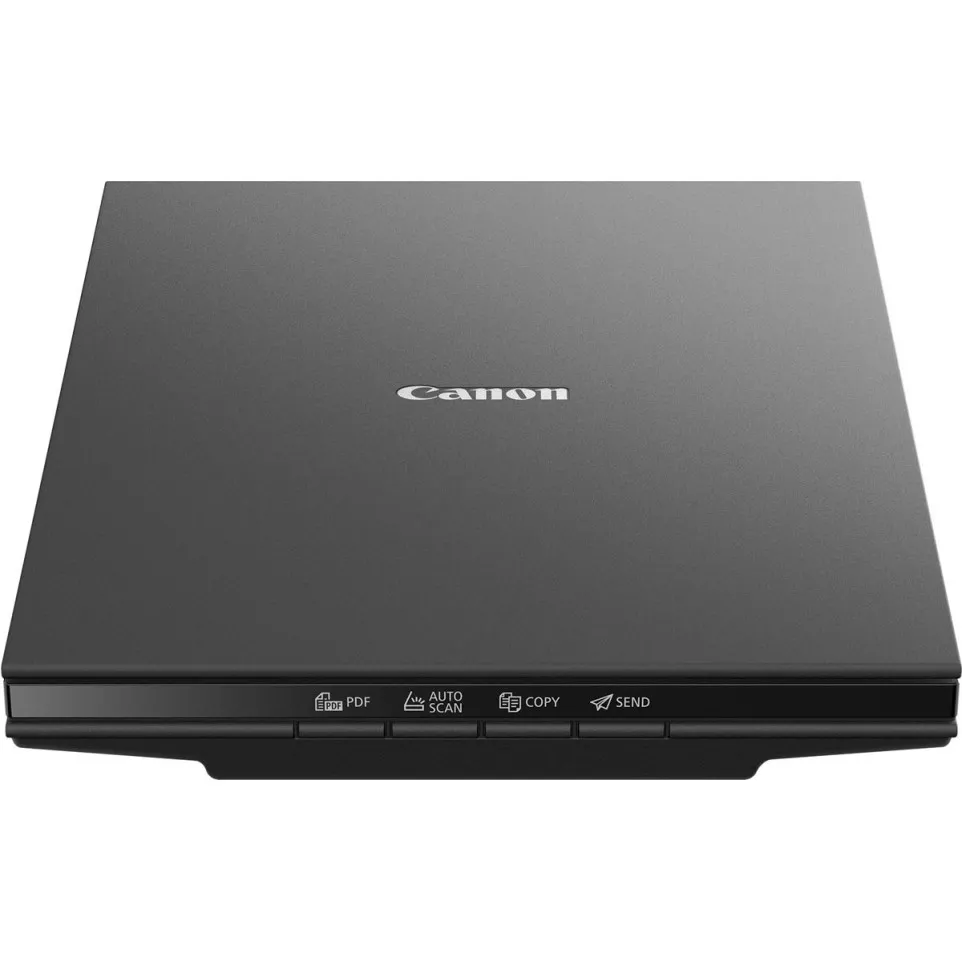
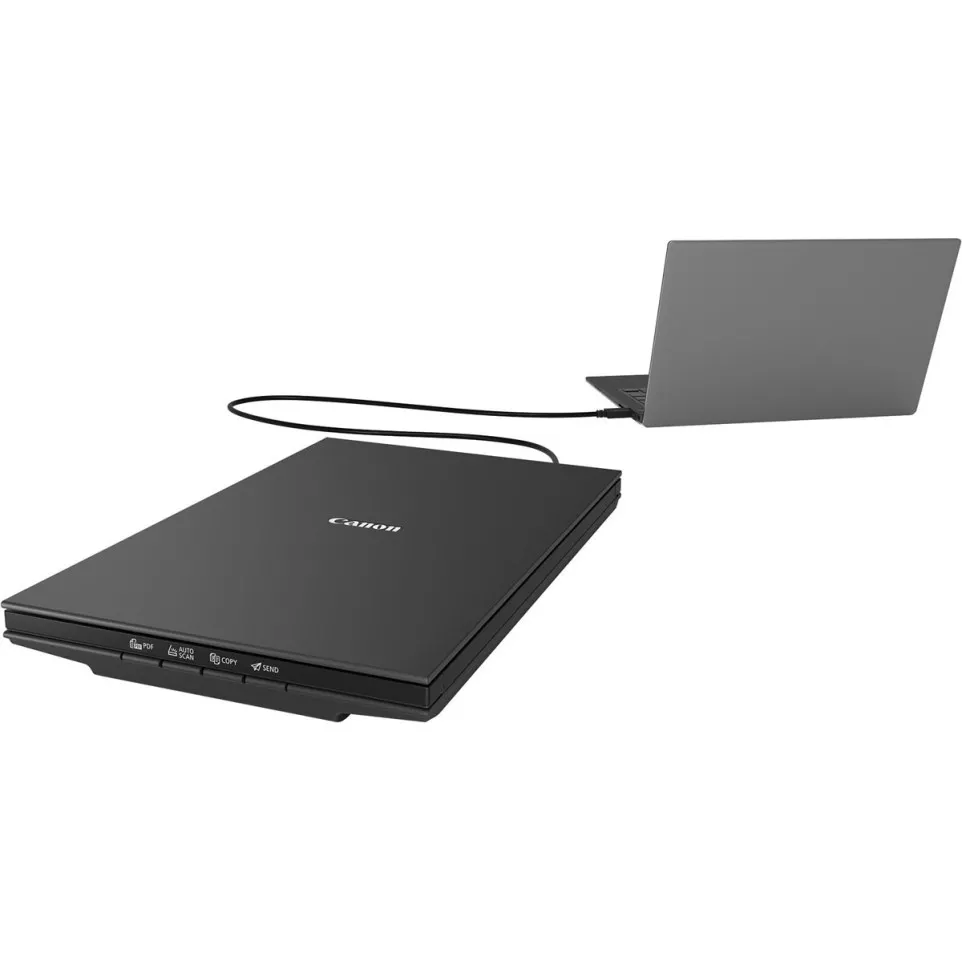
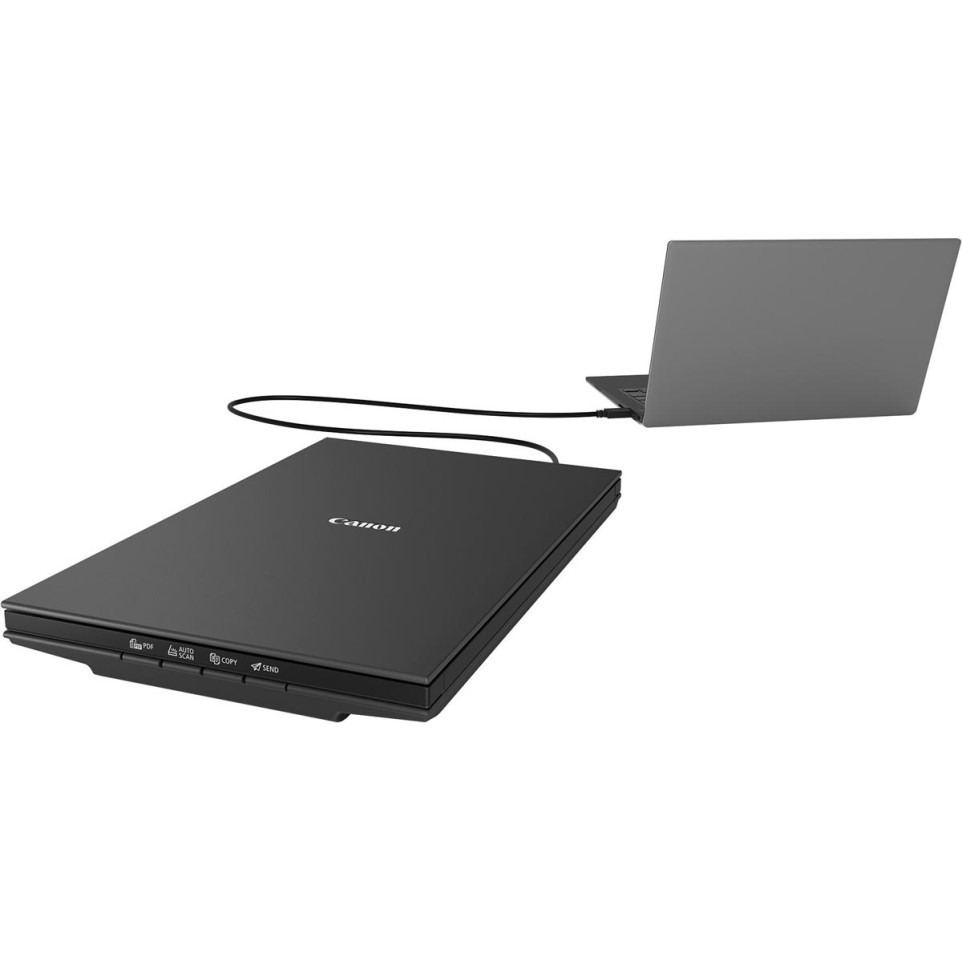
The Canon CanoScan LiDE 300 is a compact, flatbed scanner designed for easy document and photo digitization. Ideal for home offices or personal use, it connects via USB for both power and data, simplifying setup and reducing cable clutter.

Specifications

  • Slim, lightweight flatbed design with dimensions of 250 × 367 × 42 mm and a weight of 1.7 kg
  • CIS technology with 3-color (RGB) LED light source
  • Optical resolution up to 2400 × 2400 dpi; selectable resolution from 25 to 19,200 dpi
  • Supports A4/Letter size documents (216 × 297 mm)
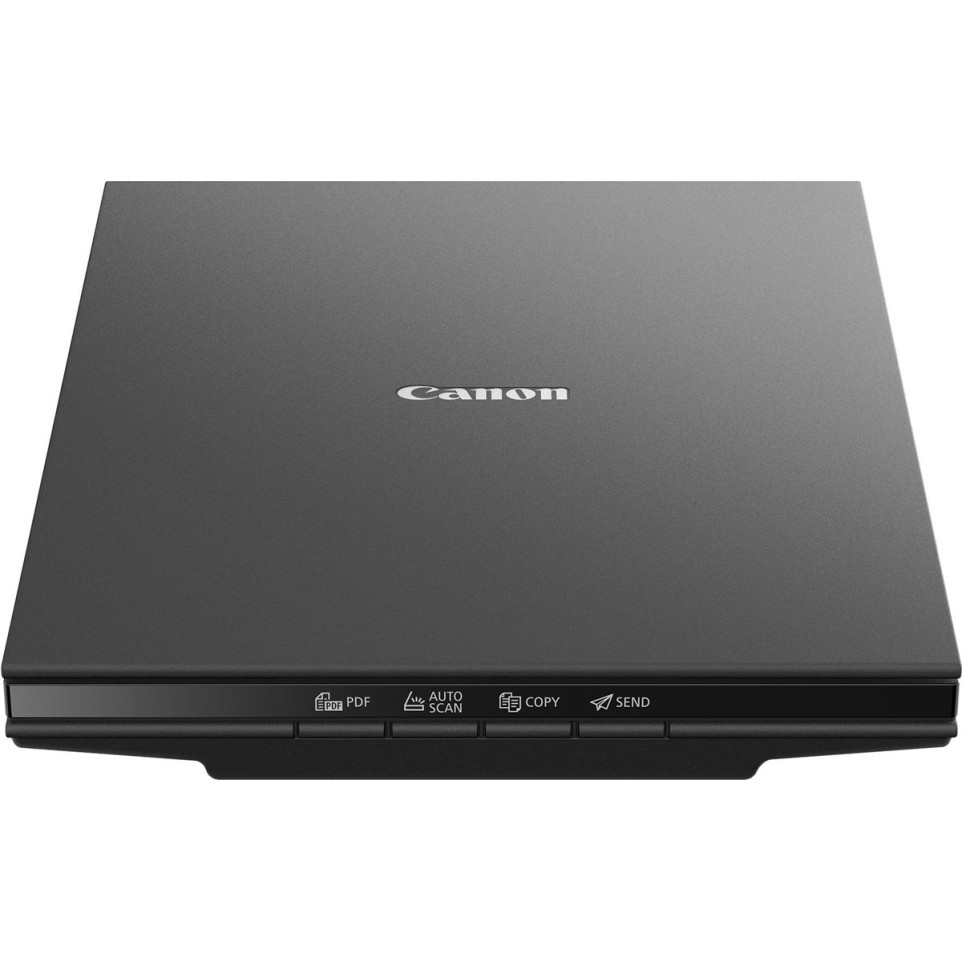
  • Four EZ operation buttons for PDF, Auto Scan, Copy, and Send functions
  • Scans an A4 color document at 300 dpi in approximately 10 seconds
  • USB 2.0 high-speed interface, powered directly via USB (max consumption 4.5W)
  • 48-bit input/24-bit output color depth
  • Compatible with Windows operating systems

Usage

Simply connect the scanner to your Windows PC using the included USB cable. Use the four dedicated buttons to scan directly to PDF, email, or copy mode, or let Auto Scan select optimal settings for your document. Scanning is fast and intuitive, handling documents, photos, and more with high clarity and minimal effort.

FAQ

  1. What types of documents can the CanoScan LiDE 300 scan?

    • It handles A4/Letter size documents, photos, and other flat media up to 216 × 297 mm in size.
  2. Does the scanner require an external power supply?

    • No, it is powered directly via a USB connection to your computer.
  3. Can the scanner be used with macOS?

    • The main features and software are optimized for Windows. Some limited functionality may be available on macOS, but check compatibility before purchase.
  4. How long does it take to scan a full-page document?

    • An A4 color document at 300 dpi scans in approximately 10 seconds.
  5. What is the maximum scanning resolution?

    • The optical resolution is up to 2400 × 2400 dpi, with selectable settings up to 19,200 dpi for interpolated scans.

mvm-dt-2025-07-07

See more

Product Details

Brand Canon
Colour Noir
BUR-LIDE300
New

Similar products

2 other products in the same category: