About this article
Usefulness
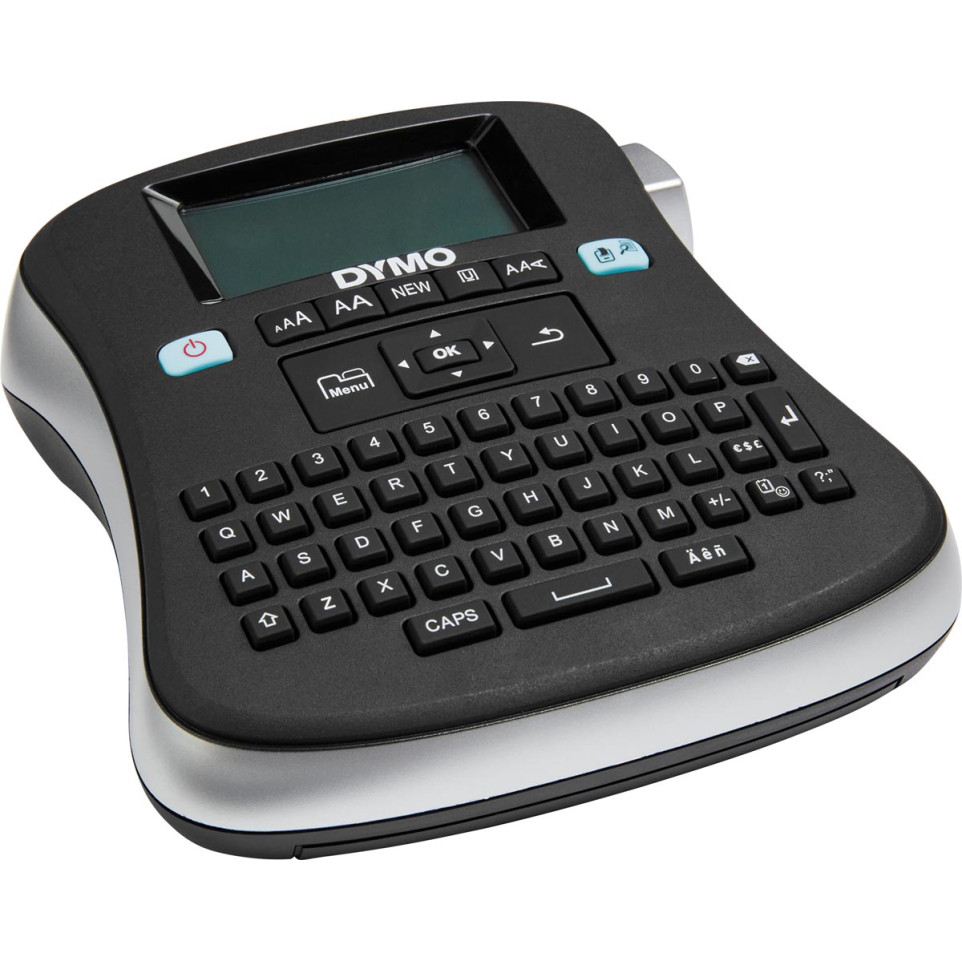
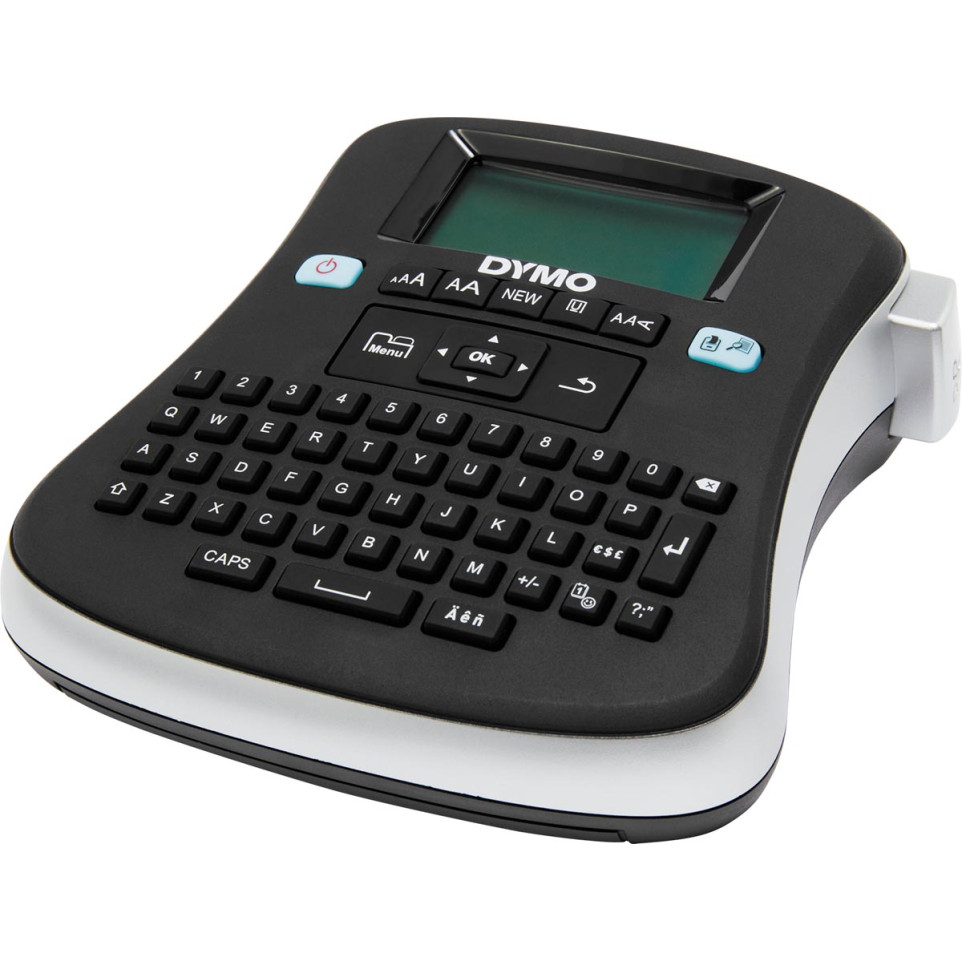
The DYMO LabelManager 210D+ is a versatile electronic label maker designed for creating professional-looking labels in various contexts, including office settings and personal projects.
Advantages
- Easy to use with a QWERTY keyboard for efficient typing.
- Supports multiple font sizes and styles for customizable labels.
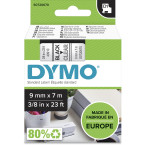
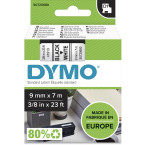
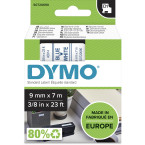
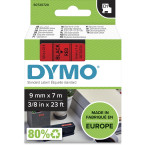
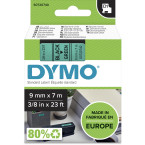
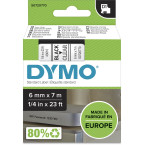
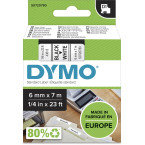
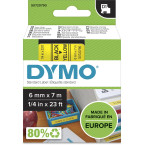
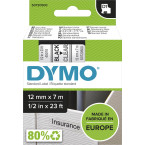
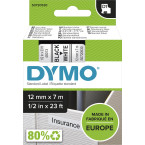
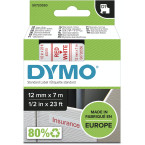
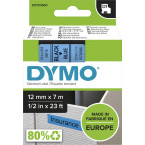
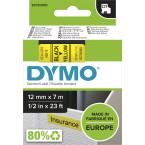
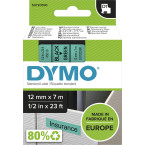
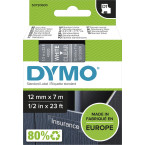
- Uses DYMO D1 label cassettes in widths of 1/4”, 3/8”, or 1/2” for flexibility.
- Features a large LCD display for clear text entry and formatting options.
- Includes navigation keys for reviewing and editing labels, as well as a menu system for accessing symbols, clip art, and formatting settings.
- Has a built-in cutter for precise label cutting.
- Offers memory functions to save and open previously created labels.
- Environmentally friendly with recyclable materials and minimal maintenance requirements.
Specificities
- Designed with a QWERTY keyboard for intuitive typing.
- Compatible with DYMO D1 label cassettes in various widths.
- Equipped with a sharp cutter blade that needs occasional cleaning.
- Features a graphical LCD display for instant formatting visibility.
Operation
To use the DYMO LabelManager 210D+, simply turn it on, select the desired language, and insert a label cassette. Enter your text using the QWERTY keyboard, and then press the OK button to confirm. Select the number of copies you want to print and press the Print button to start the process. After printing, use the cutter button to cut the label.