About this article
Usefulness
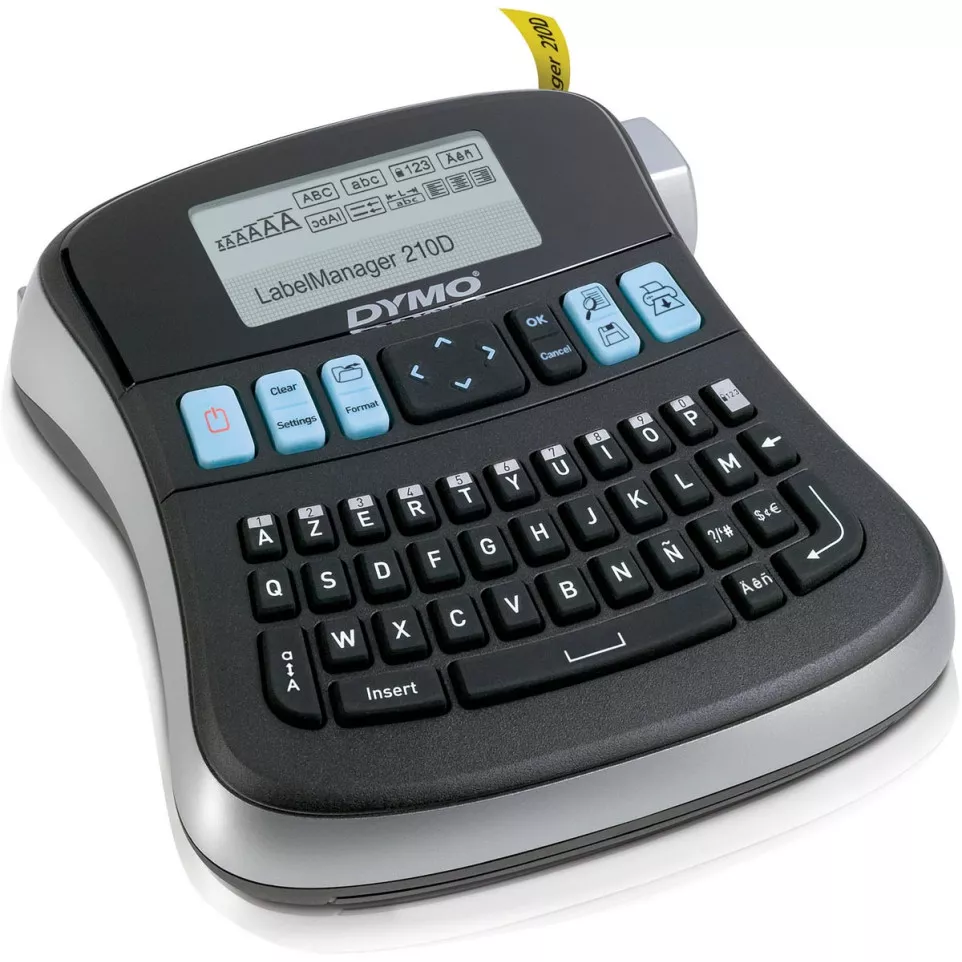
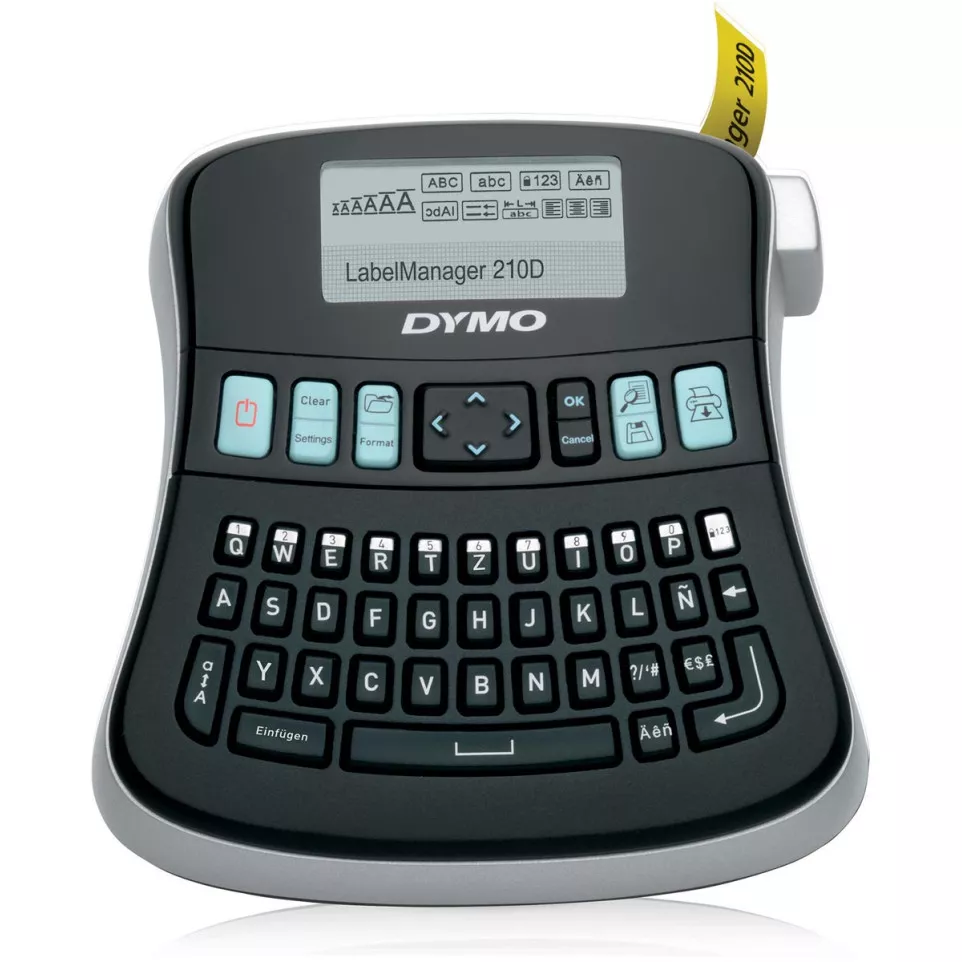
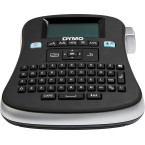
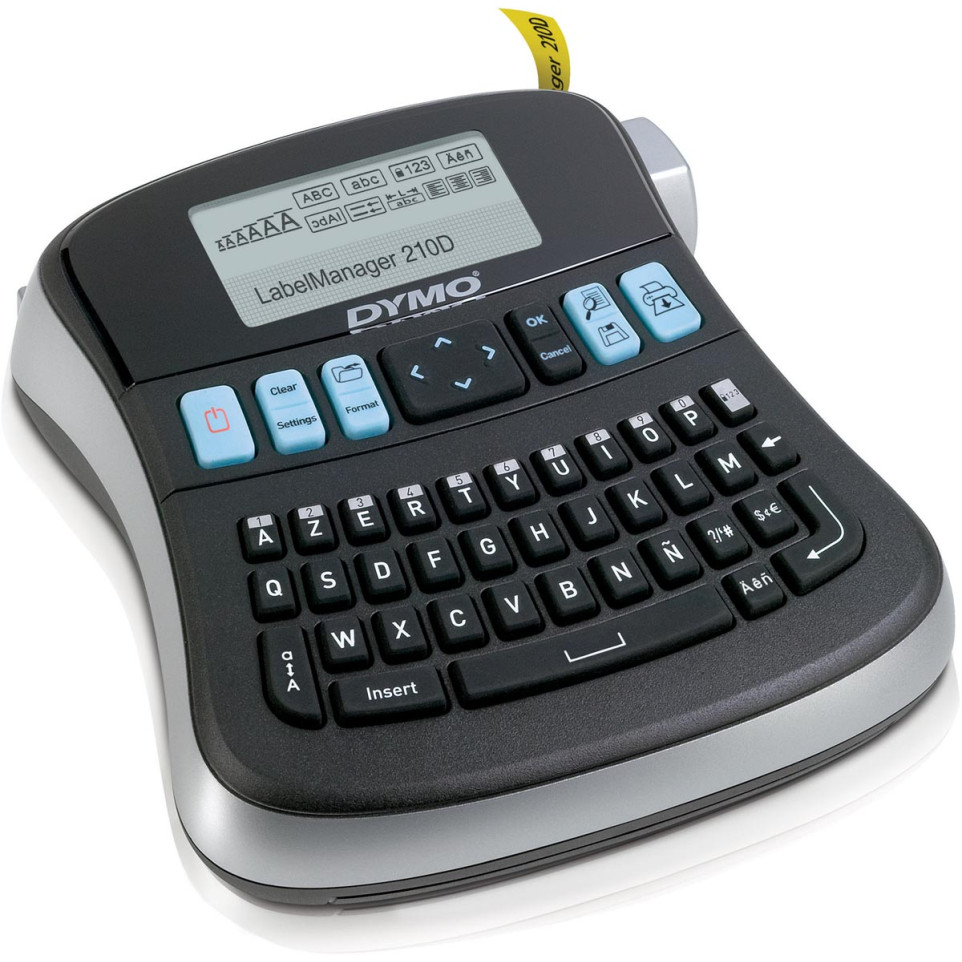
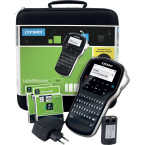
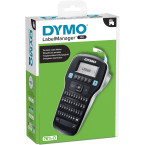
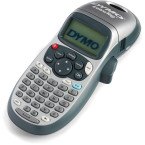
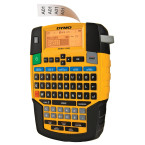
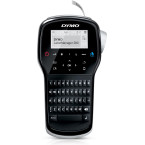
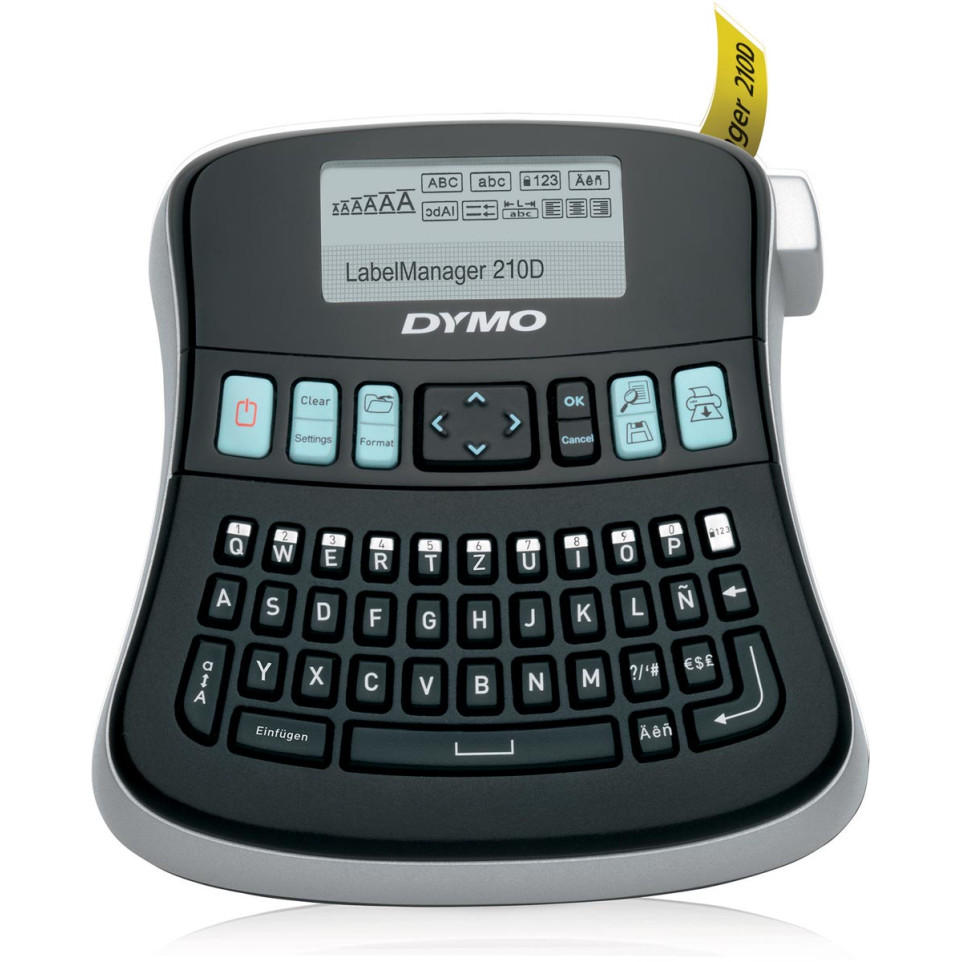
The DYMO LabelManager 210D+ is a versatile and easy-to-use electronic label maker designed for creating high-quality, self-adhesive labels in various font sizes and styles. It is suitable for a wide range of applications, including office labeling, inventory management, and personal organization.
Advantages
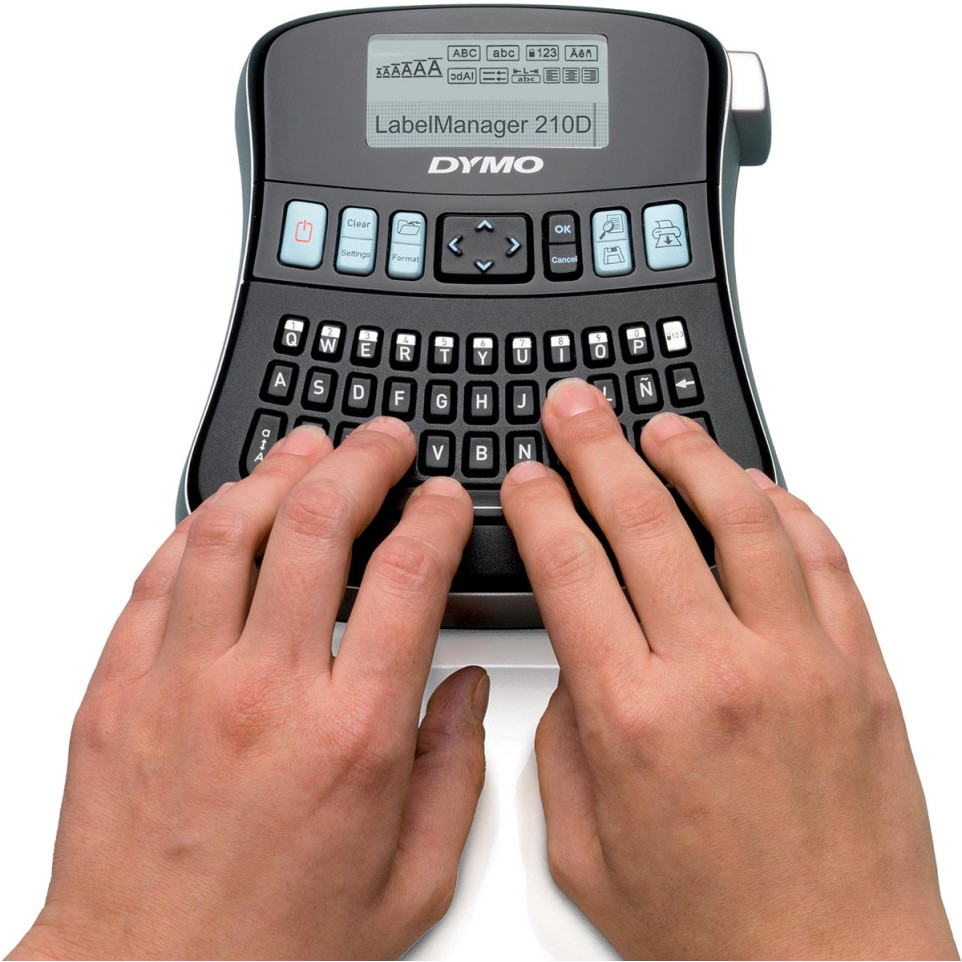
- The DYMO LabelManager 210D+ offers quick-access buttons and simple navigation, making it easy to use even for those who are not tech-savvy.
- It supports multiple font sizes and styles, allowing users to customize their labels according to their needs.
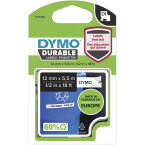
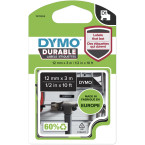
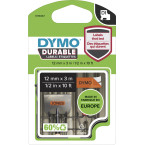
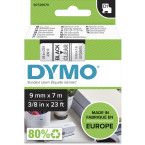
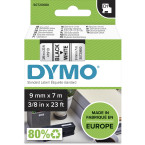
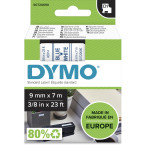
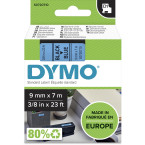
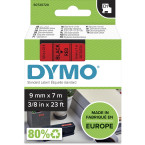
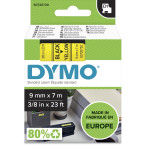
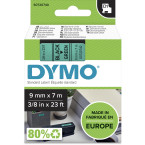
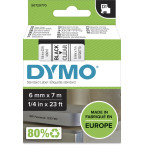
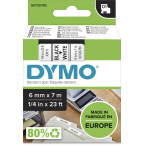
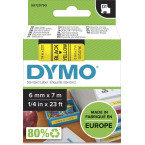
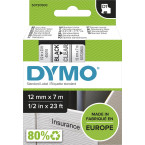
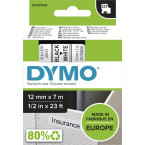
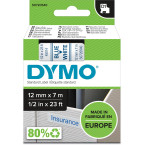
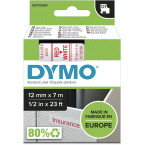
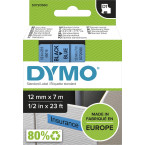
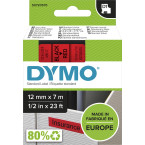
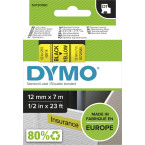
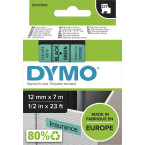
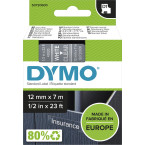
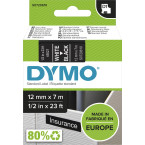
- The label maker uses DYMO D1 label cassettes in various widths, providing flexibility in label size selection.
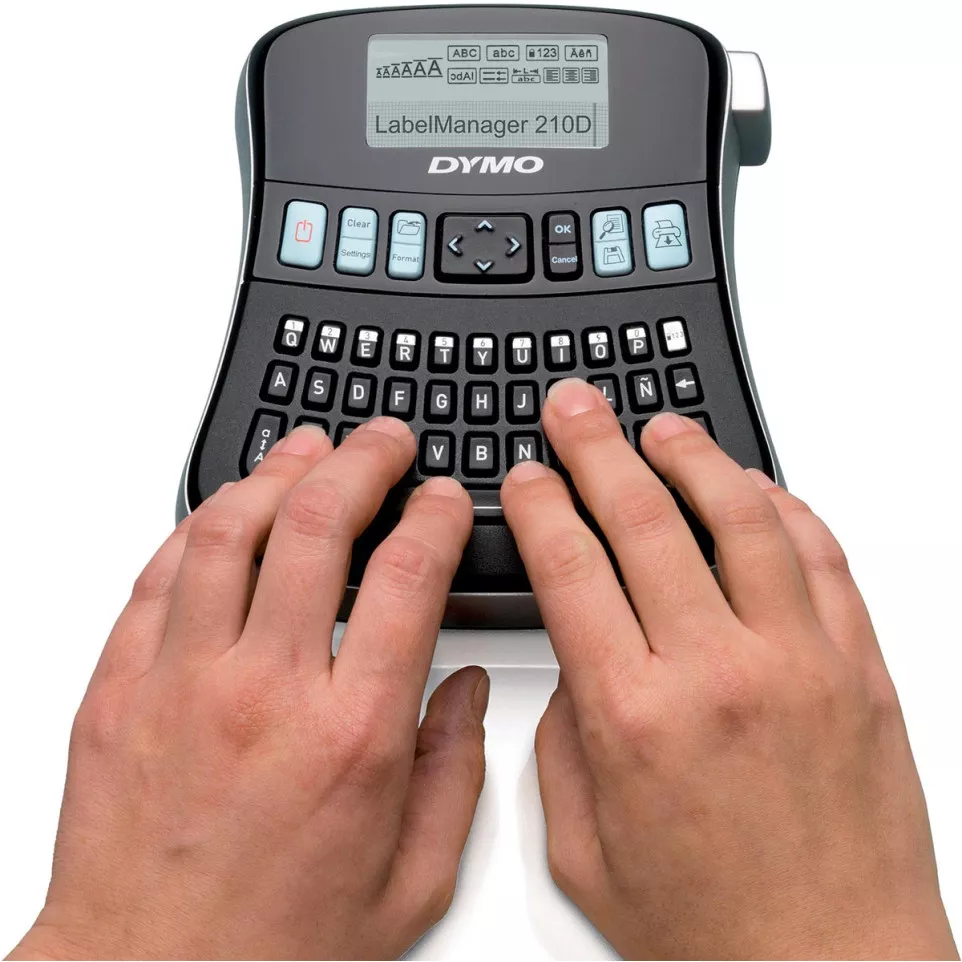
- It includes an LCD display that shows about 13 characters at a time, making it easy to enter and format text.
- The device is designed for long and trouble-free service with minimal maintenance requirements.
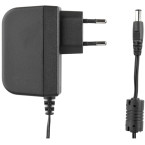
- It comes with an optional power adapter for continuous use without battery drain.
- The label maker is equipped with a cutter blade that can be easily cleaned to maintain print quality.
Specificities
- The DYMO LabelManager 210D+ uses DYMO D1 label cassettes in widths of 1/4”, 3/8”, and 1/2”.
- The device supports up to 99 characters and spaces on the LCD display.
- It has a power button that turns the device on and off and automatically switches off after two minutes of inactivity.
- The label maker is designed to minimize environmental impact by using recyclable materials and encouraging responsible disposal practices.
Operation
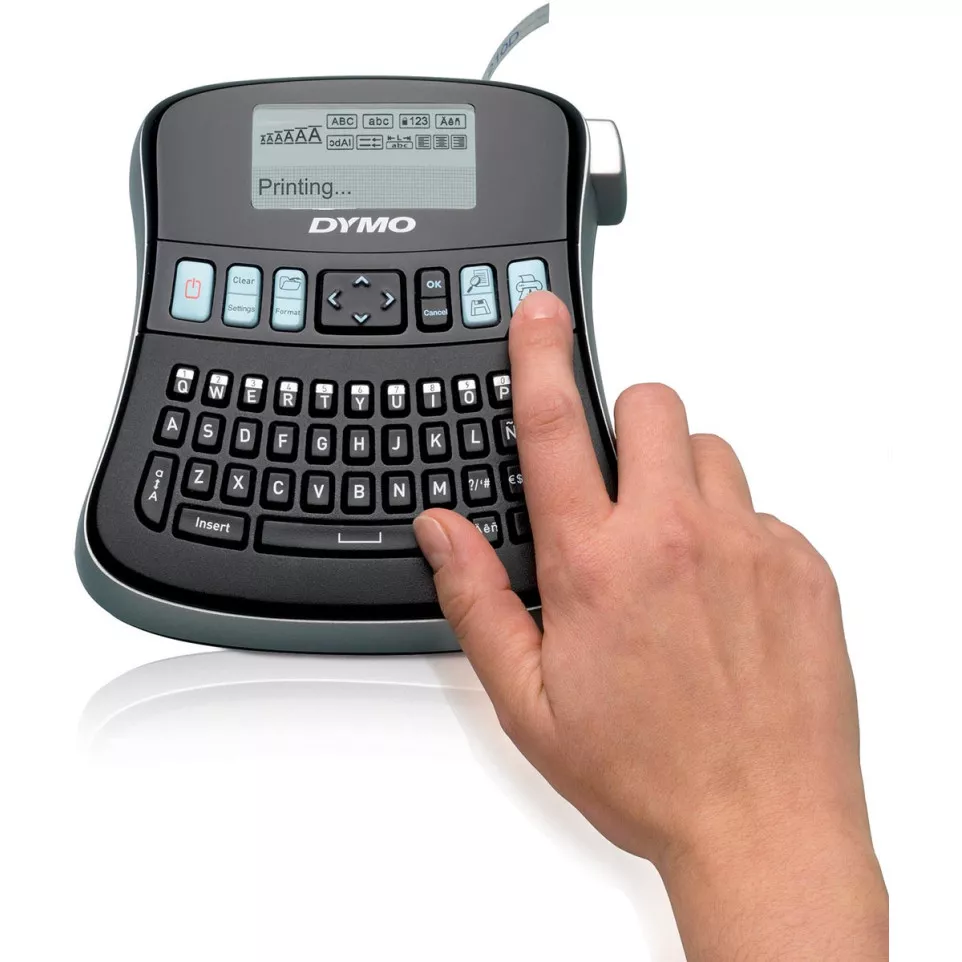
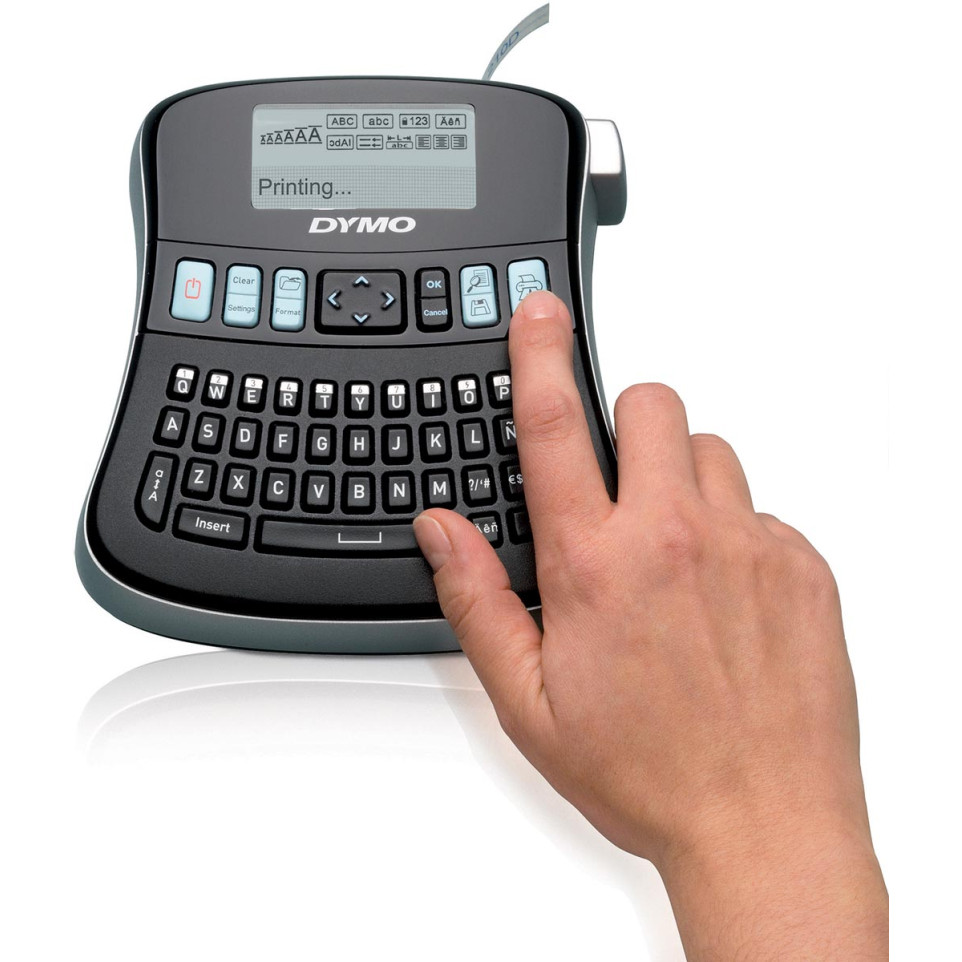
To use the DYMO LabelManager 210D+, simply turn it on, select the desired language, and insert the label cassette. Enter your text, select the font size and style, and press the print button to create your labels. The device automatically cuts the labels once printing is complete.