Usage
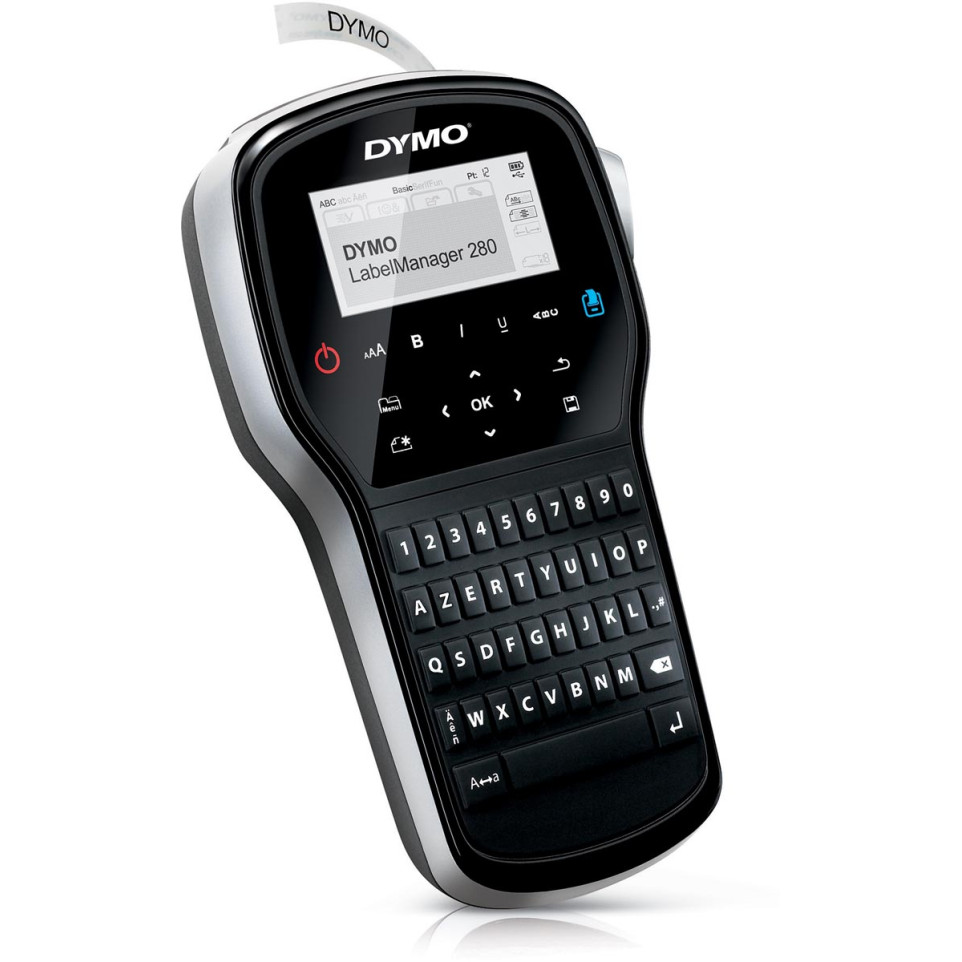
The Dymo LabelManager 280 is designed for fast, on-demand creation of high-quality adhesive labels for organizing files, storage boxes, equipment, and more in office or home environments.
Advantages
- Portable and battery-powered with a rechargeable lithium-ion pack for wireless operation.
- Connects to PC or Mac via USB for custom label creation with computer fonts and graphics.
- Features an AZERTY keyboard layout for familiar text entry and efficient editing through one-touch formatting keys.
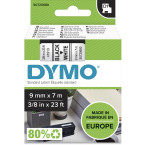
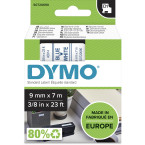
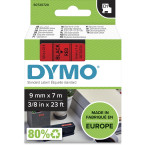
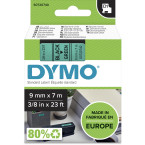
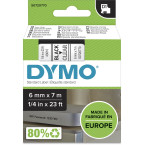
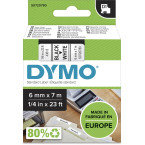
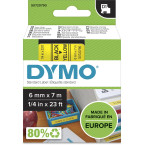
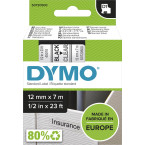
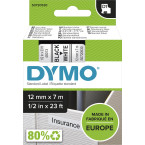
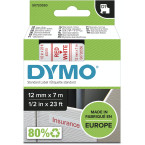
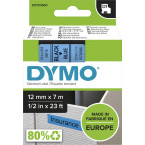
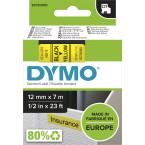
- Supports multiple DYMO D1 tape widths (6 mm, 9 mm, and 12 mm) in various colors to suit different labeling needs.
- No network connectivity; must be used standalone or connected by USB cable if extended features are required.
Specifications
- Design & Technologies: Handheld device with large LCD display; AZERTY computer-style keyboard; thermal transfer print technology; manual cutter.
- Durability & Certifications: Uses durable DYMO D1 tapes compatible with temperature ranges as low as -40°C up to +150°C (tape dependent).
- Performance Data: Print resolution: 180 dpi; maximum print speed: up to 15 mm/sec (35.4 inch/min); supports up to two lines of text per label; memory for nine frequently-used labels.
- Differentiating Features: Rechargeable via included AC adapter or USB cable; over twenty formatting options; over two hundred symbols and clip-art images available directly from the device interface or software.
Dimensions: approx. 107.5 x 206 x 46.5 mm;
Weight without battery: approx. 810 g.
Compatible with Windows® (7+/8+/10+), Mac OS® X v10.8+
Label widths supported: DYMO D1 tapes — 6/9/12 mm.
How it works
The user inserts a DYMO D1 cassette into the LabelManager 280, types desired content using the AZERTY keyboard or imports designs from a computer via USB, then presses print. The device outputs self-adhesive labels instantly ready for application on surfaces like files, shelves, cables—or anywhere clear identification is needed.