Usage
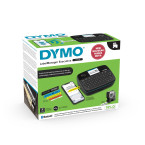
The Dymo LabelManager Executive 640 CB is designed for efficient and professional labeling in offices, warehouses, retail environments, and medical facilities. It enables quick identification and organization of files, storage areas, or assets using durable adhesive labels.
Advantages
- Compatible with D1 Standard and Durable tapes from 6 mm to 24 mm wide for versatile labeling needs.
- Rechargeable lithium-ion battery provides portable operation without disposable batteries.
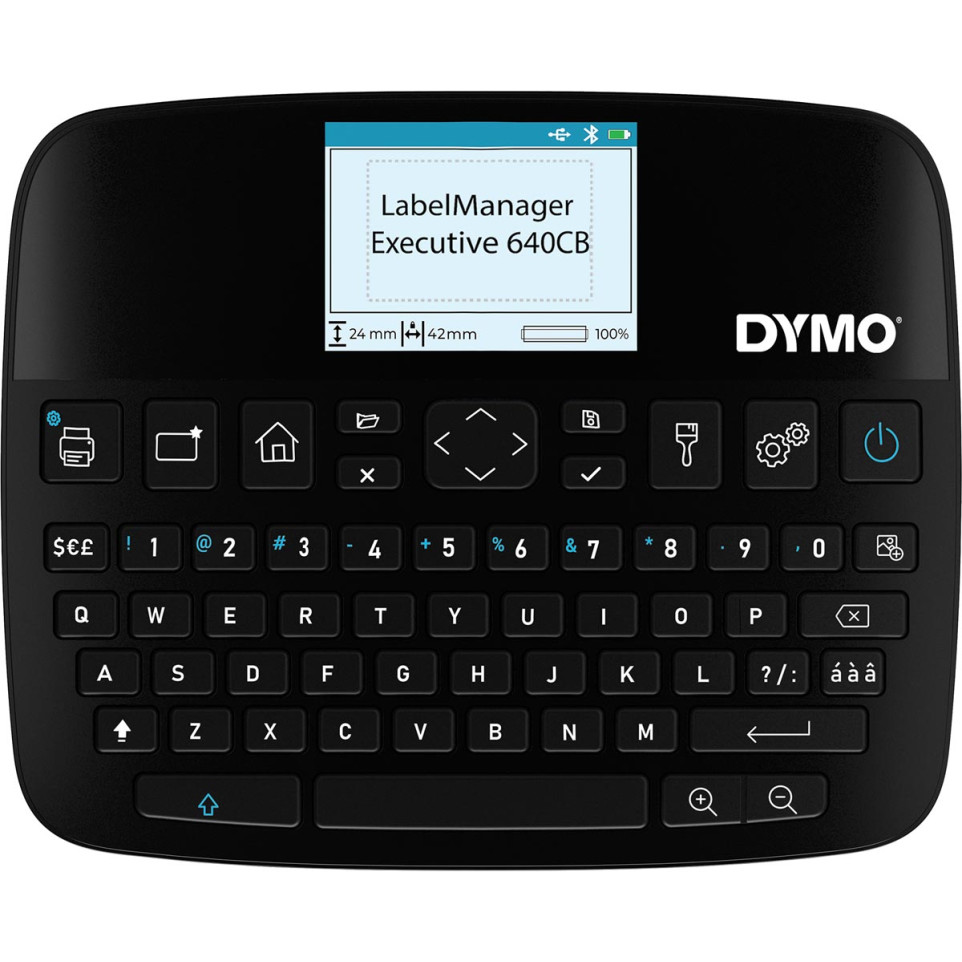
- Large high-resolution color screen improves label readability and customization experience.
- User-friendly interface with QWERTY keyboard streamlines label creation for all users.
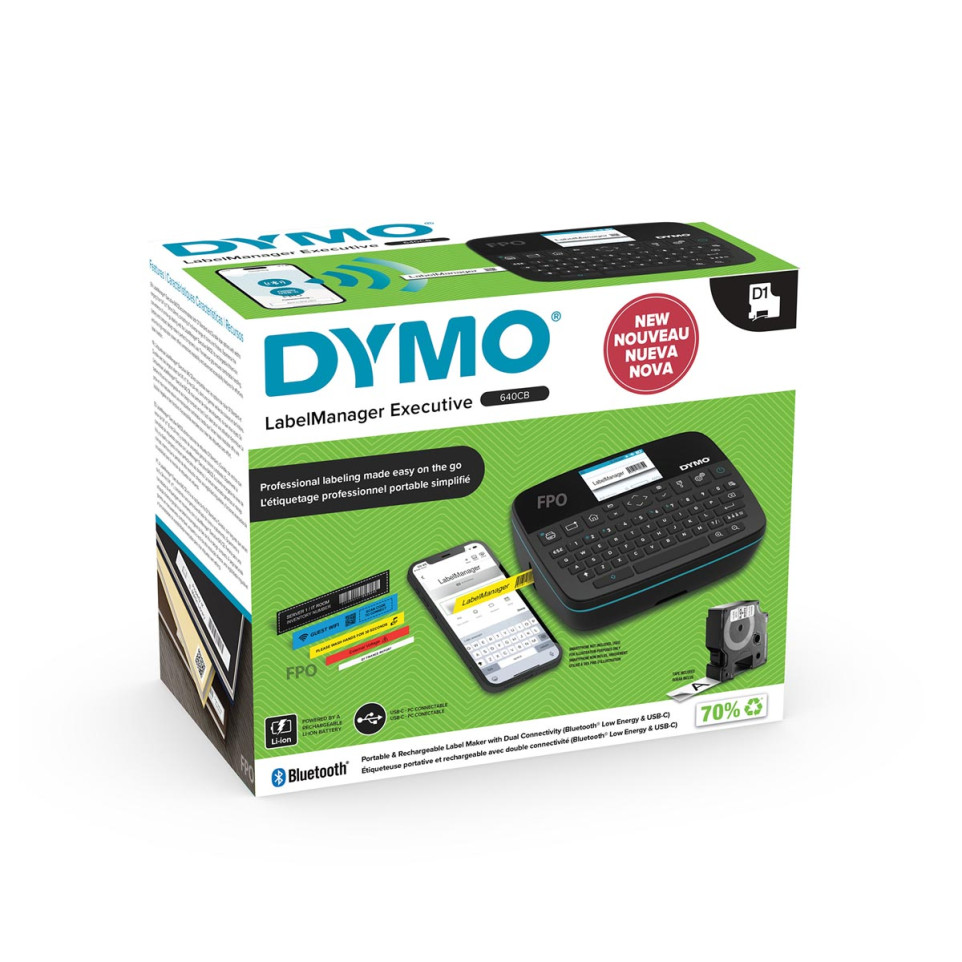
- Connection via USB-C or Bluetooth Low Energy allows easy integration with PC, Mac, smartphones or tablets; no manual pairing required.
Specifications
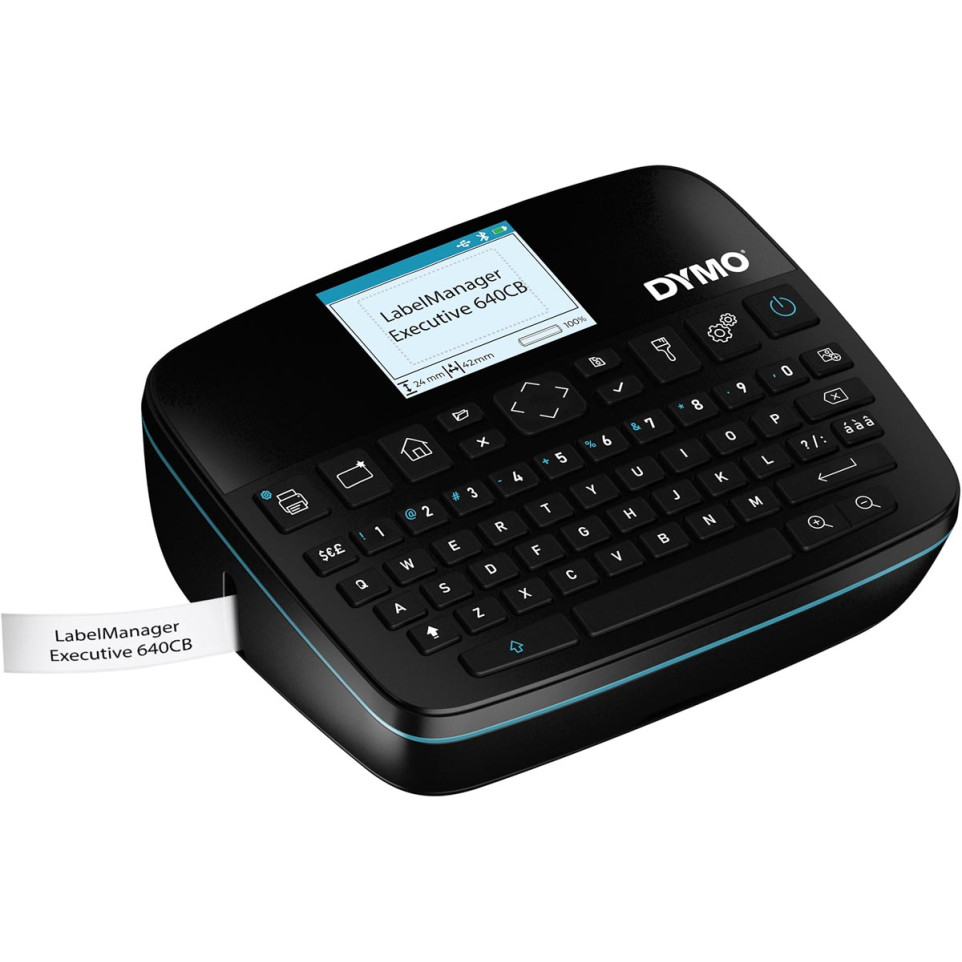
- Design/Technology: Compact handheld unit (104 × 215 × 57 mm), ergonomic textured grip; weighs approx. 415 g (without battery); thermal transfer print system; black housing.
Features a QWERTY keyboard layout.
Automatic cutter included.
- Sustainability/Certifications: Machine packaging made from approx.70% recycled material; cassette housing up to approx.80% recycled material[7][8]. ENERGY STAR certified for energy efficiency[3].
One-year limited warranty provided by manufacturer[10][8].
- Main Performance Data:
- Print speed: up to 20 mm/s
- Print resolution: 300 dpi
- Maximum tape width: 24 mm (1")
- LCD screen size: large color display
- Memory for up to 30 labels
- Up to 100 characters per line
- Differentiators/Notable Features:
- Customizable label backgrounds with four color options on the display
- Compatible with DYMO LabelManager Executive Connect app (iOS/Android) and DYMO Connect desktop software (macOS/Windows)
- Wide range of supported symbols (~300) and fonts/styles
- Automatic power-off to save energy after inactivity
How it works
The device operates by inserting a compatible DYMO D1 tape cassette. Users create labels via the integrated QWERTY keyboard or connect wirelessly via Bluetooth or USB-C using mobile devices or computers. After formatting through the intuitive screens or software apps, simply press print—labels are cut automatically when finished.