Product
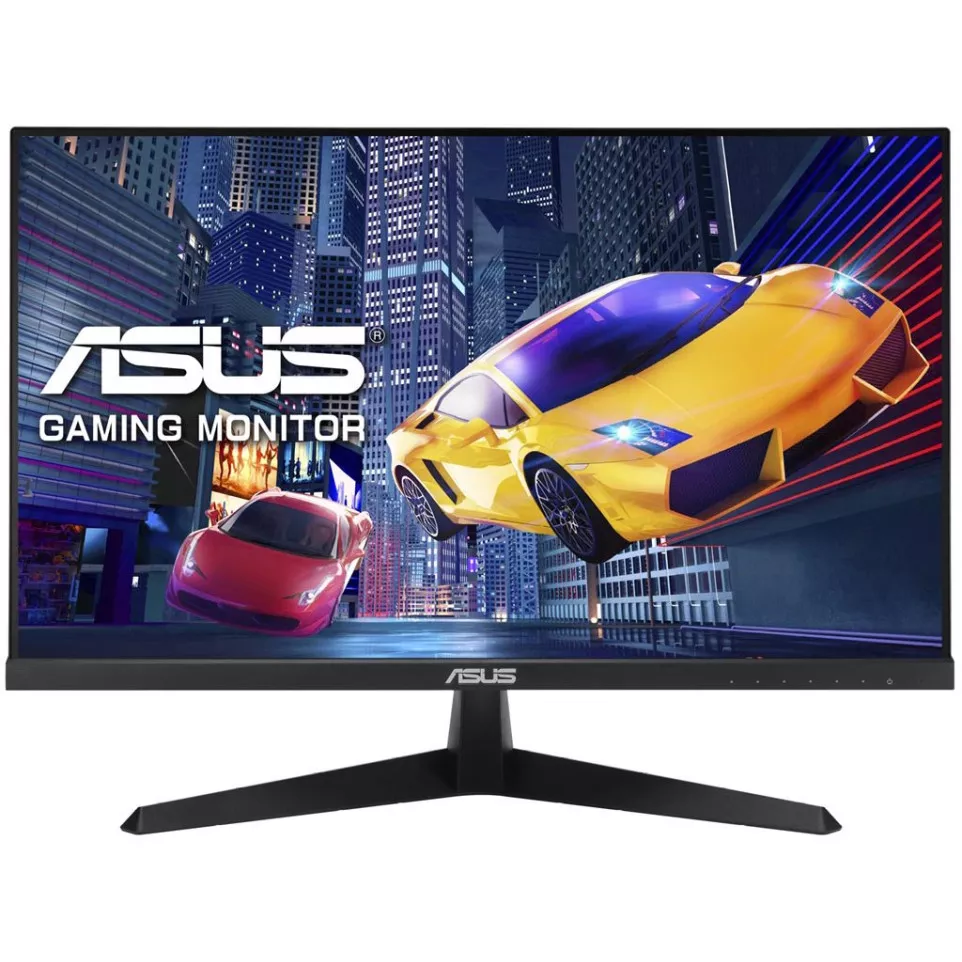
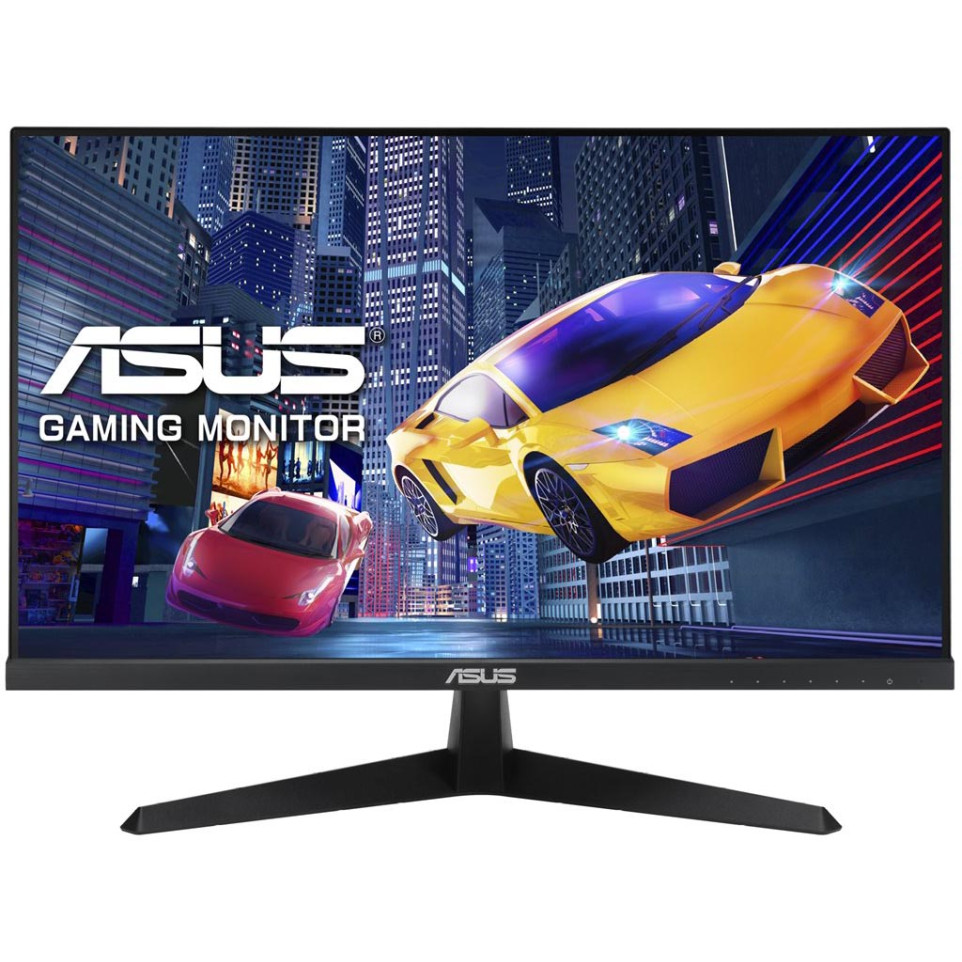
The ASUS VY249HGR is a 23.8-inch IPS Full HD monitor designed for everyday computing, office work, and casual gaming, delivering smooth visuals and comfortable extended viewing.
Specifications
- 23.8-inch IPS panel with Full HD (1920 x 1080) resolution and 120 Hz refresh rate
- 1 ms MPRT response time with ASUS SmoothMotion technology for sharp, blur-free motion
- Adaptive Sync support to reduce screen tearing and visual artifacts
- Eye Care Plus technology featuring color enhancement and built-in break reminder
- Antibacterial treatment applied to monitor edges and buttons for lasting hygiene
- ASUS DisplayWidget Center software for convenient on-screen settings adjustment
- Compatible with standard VESA mounting configurations
Usage
Connect the VY249HGR to a desktop or laptop via its available ports, then use the ASUS DisplayWidget Center to fine-tune brightness, color, and other display settings. The monitor operates plug-and-play, making setup straightforward for home, office, or light gaming environments.
FAQ
- What is the refresh rate of the ASUS VY249HGR? — The monitor features a 120 Hz refresh rate, enabling smoother motion compared to standard 60 Hz displays.
- Does the VY249HGR support Adaptive Sync? — Yes, it supports Adaptive Sync, which helps eliminate screen tearing and stuttering during dynamic content playback.
- What does the antibacterial treatment cover? — The antibacterial coating is applied to the monitor's edges and physical buttons, reducing bacterial buildup on frequently touched surfaces.
- What is Eye Care Plus on this monitor? — Eye Care Plus is an ASUS feature that includes color enhancement and a break reminder function to support comfortable long-duration use.
- What software is used to manage display settings? — ASUS DisplayWidget Center allows users to easily adjust screen parameters such as brightness, contrast, and display mode directly from their desktop.
mvm-dt-2026-03